See how your competitors advertise on Meta.
Enter a competitor's brand and see how many ads it ran in the last 12 months. It's free.
We count entries in the Meta Ad Library. The report groups them into creatives.
No ads in the last 12 months, so a report would have nothing to analyse.
Don't see your brand? Paste the link to its page from the Meta Ad Library.
You can check 3 brands a minute here. Once you sign in, there is no limit.
Already have a list of competitors? Order a report on several brands at once
Name the brands you compete with. You get a report on their ads on Facebook and Instagram: creatives, reach, messages and what to do about it. It usually arrives within an hour.
See how it works
From the brand name to the report
Half a minute, no sound: sign in with a link, name a brand, pay, read the report in the panel and as a PDF. Shown on made-up brands.
Four pages of a sample report
-
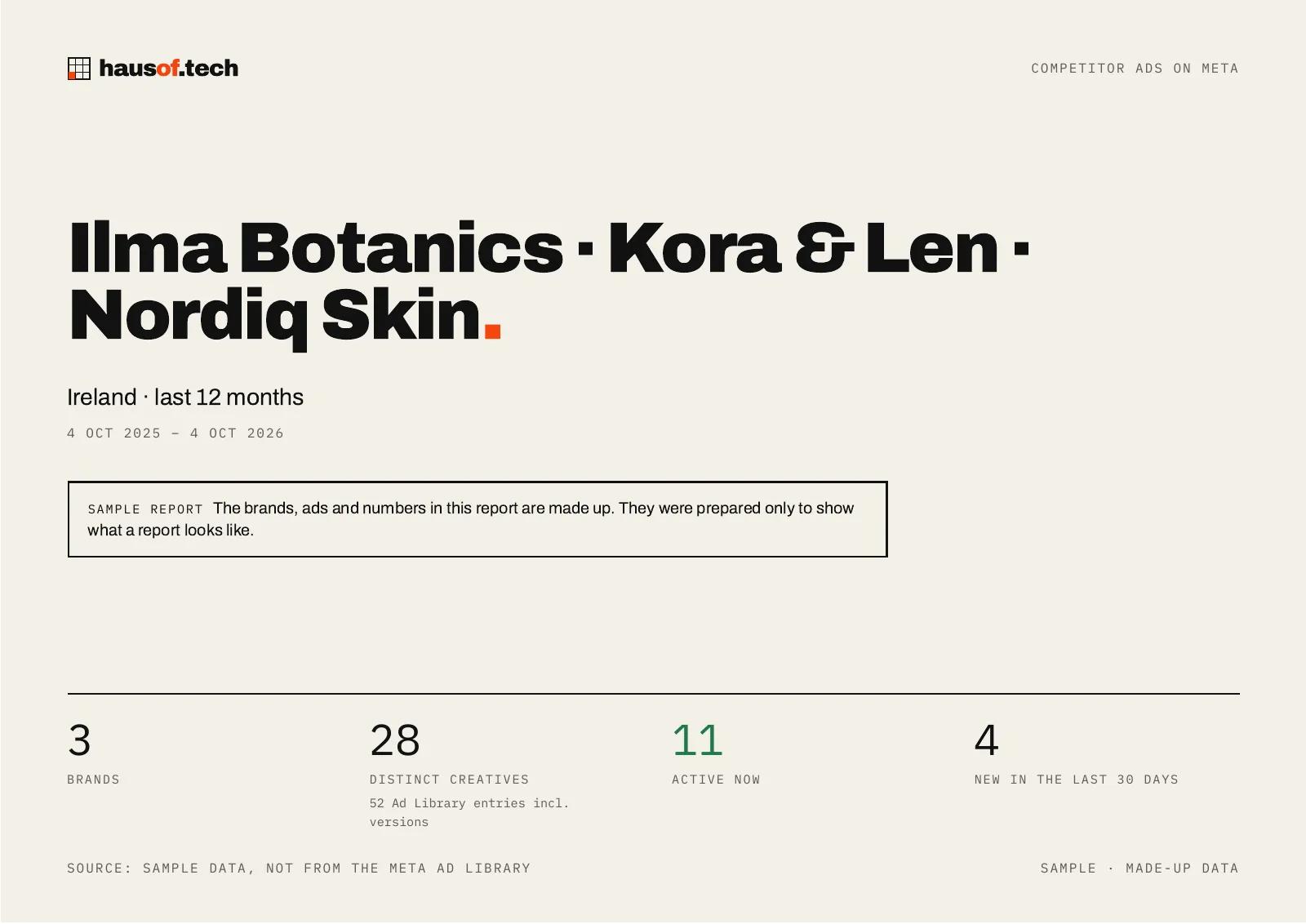
The cover: the brand, the period and three numbers. -
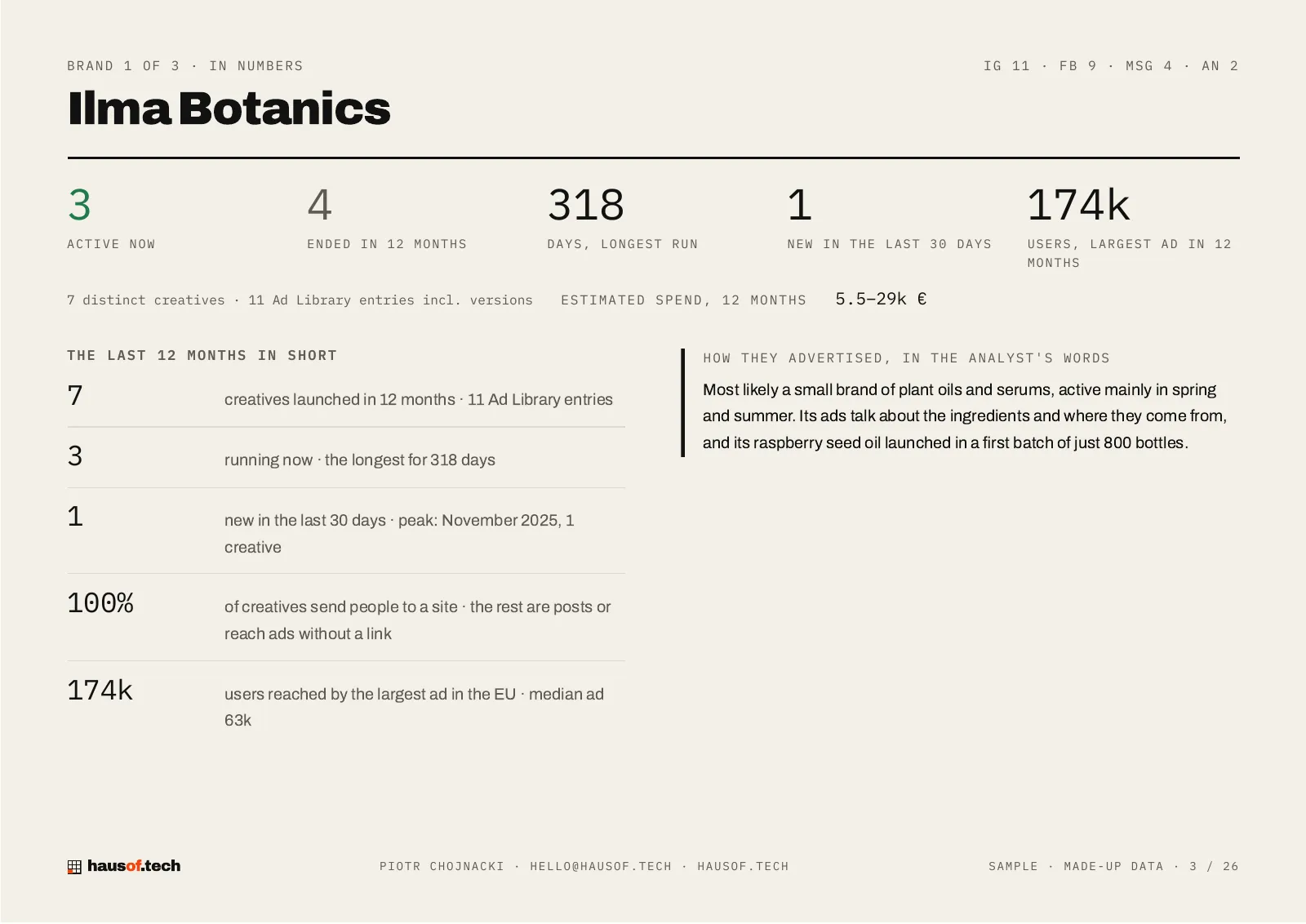
In numbers: active and ended creatives, the longest run, the estimated spend. -
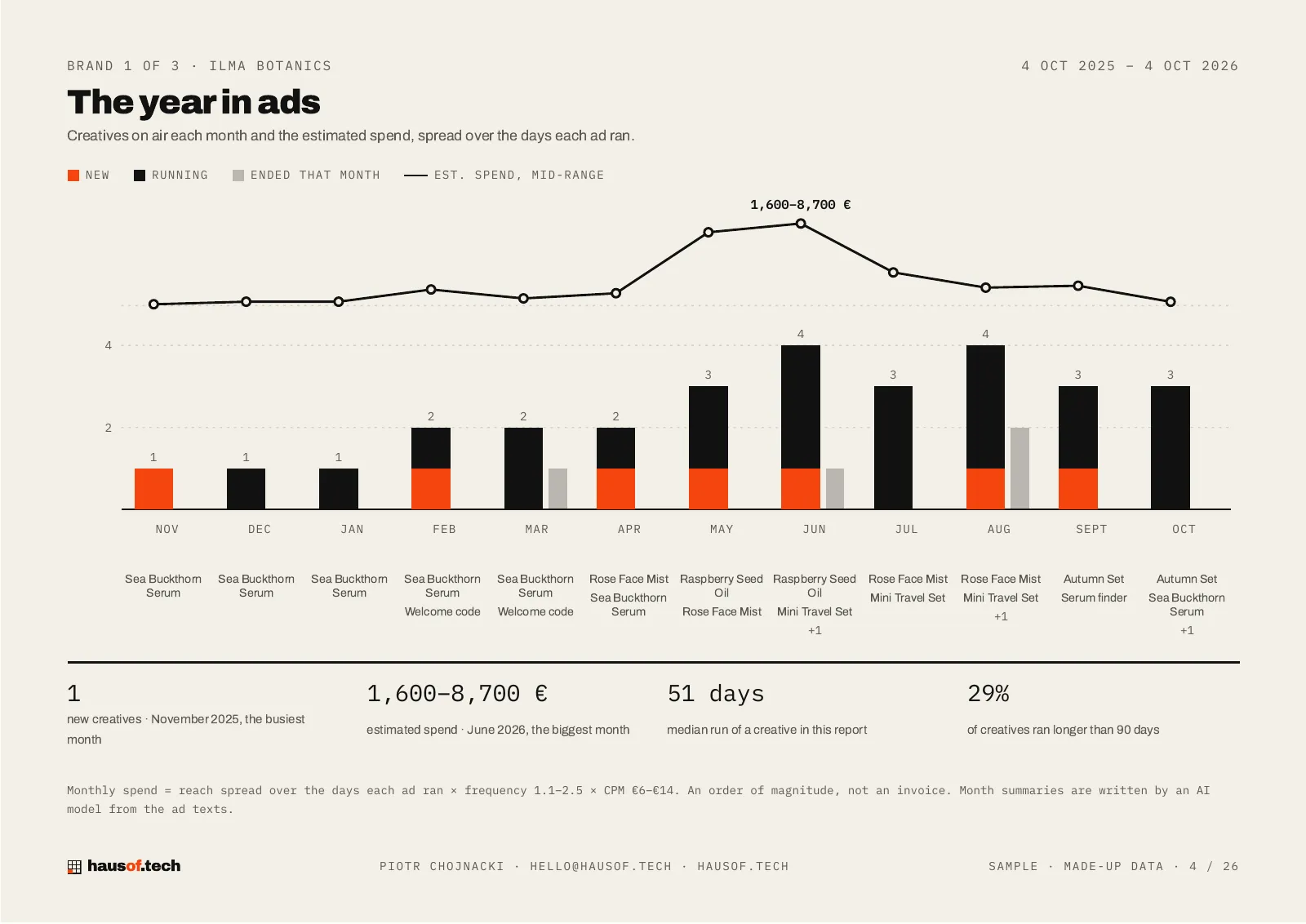
The year in ads: creatives on air each month, the spend line, what they advertised. -
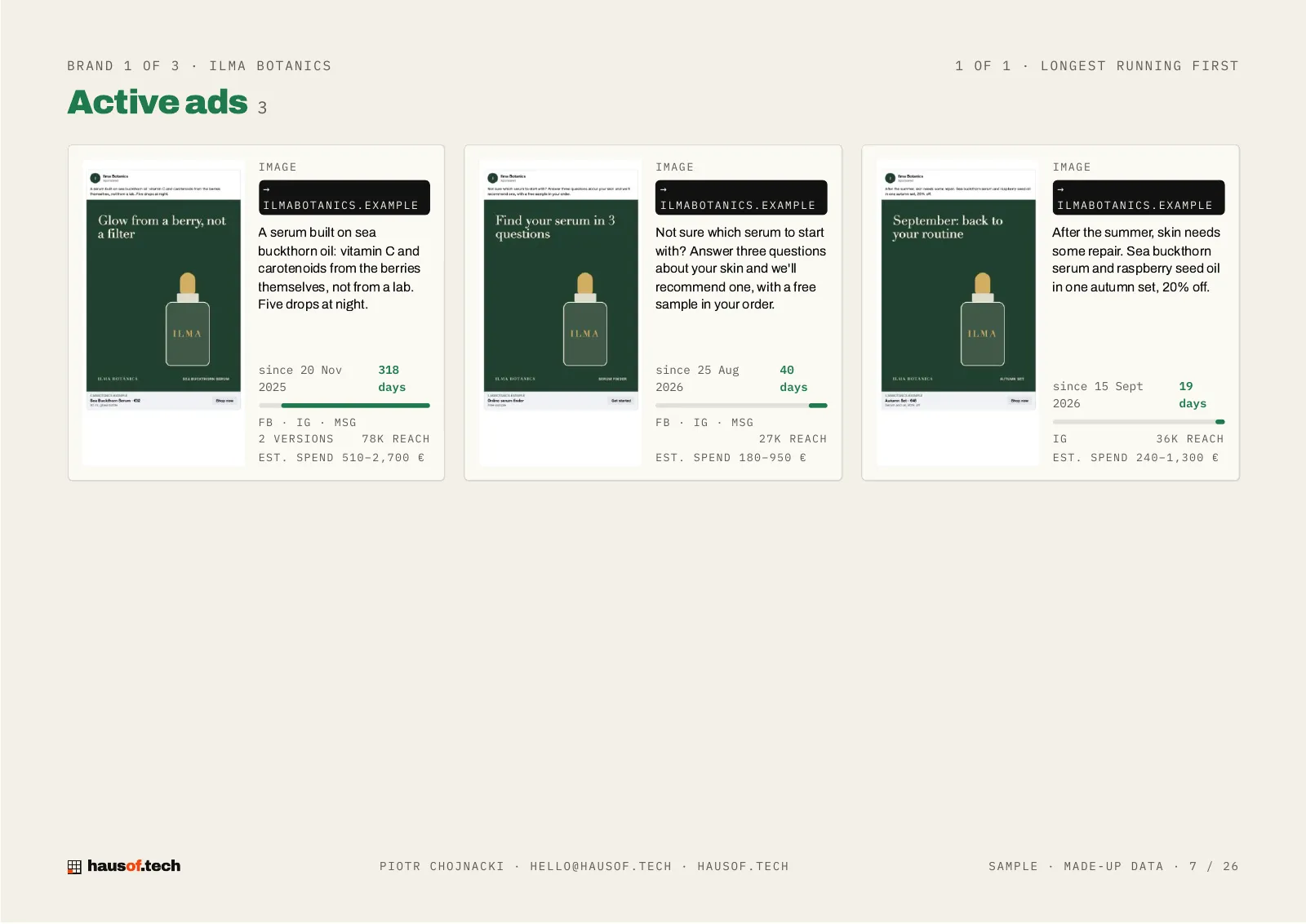
Active creatives with their previews, run time, reach and spend.
The brands, ads and numbers in this sample are made up, prepared only to show what a report looks like.
Download the sample PDFWhat you get
-
01 Their ads from the last 12 months, with creatives and dates.
-
02 EU reach and audience demographics, for ads delivered in the EU.
-
03 The longest-running creatives, most likely their winners.
-
04 An analysis of their messages: angles, offers and formats.
-
05 Recommendations for your own ads.
-
06 Seasonality: creatives and estimated spend month by month, with what they advertised in each.
-
07 One report for several brands: a comparison table first, then each brand in turn.
How it works
-
01 You paste the brands you want to check.
-
02 You pay only for the ones that run ads.
-
03 A report with gaps in the data is checked by hand before it reaches you.
-
04 The report waits in an interactive panel and as a PDF.
Questions
Where does the data come from?
From the Meta Ad Library, which is public. I use only what anyone can see there.
What is not in the report?
Results. Meta publishes neither sales nor clicks, so the report does not guess them. Spend is an estimate and is marked as one.
How long does it take?
Usually within an hour of payment.
Do I get an invoice?
Yes. We issue a VAT invoice in the Polish e-invoicing system (KSeF) and e-mail it to you; you enter your VAT ID at checkout.
What about other platforms?
Meta only for now: Facebook and Instagram.
How do you know what they spent?
We do not know; we estimate. Meta does not publish spend, but it does publish reach in the EU. Spend ≈ reach × frequency × CPM, as a range: an order of magnitude, not an invoice. Each ad's reach is spread over the days it ran, which gives the month-by-month figures.
Who writes the analysis?
The numbers come straight from the Meta Ad Library and are counted by the system. The conclusions, month summaries and recommendations are written by an AI model from the ad texts, and a report with gaps in the data is checked by hand before it reaches you.
Check who you are up against.
Log in, paste the brands and pay for the ones that advertise.
Price
€7 net / competitor
Brands without ads are not charged. VAT invoice by e-mail.
Need a report tailored to your business?
Tell us what you need: hello@hausof.tech